
Talk · ChefTreff AI & Automation Bootcamp · Microsoft Add-on

From Langdock and Make to the Microsoft world

Translate what you learned in the bootcamp into the Microsoft world, then build an agent and connect it to a flow together.

· ChefTreff

The invitation

Invited by ChefTreff

ChefTreff runs the AI & Automation Bootcamp. This session is its Microsoft add-on for the bootcamp participants.

Go to ChefTreff
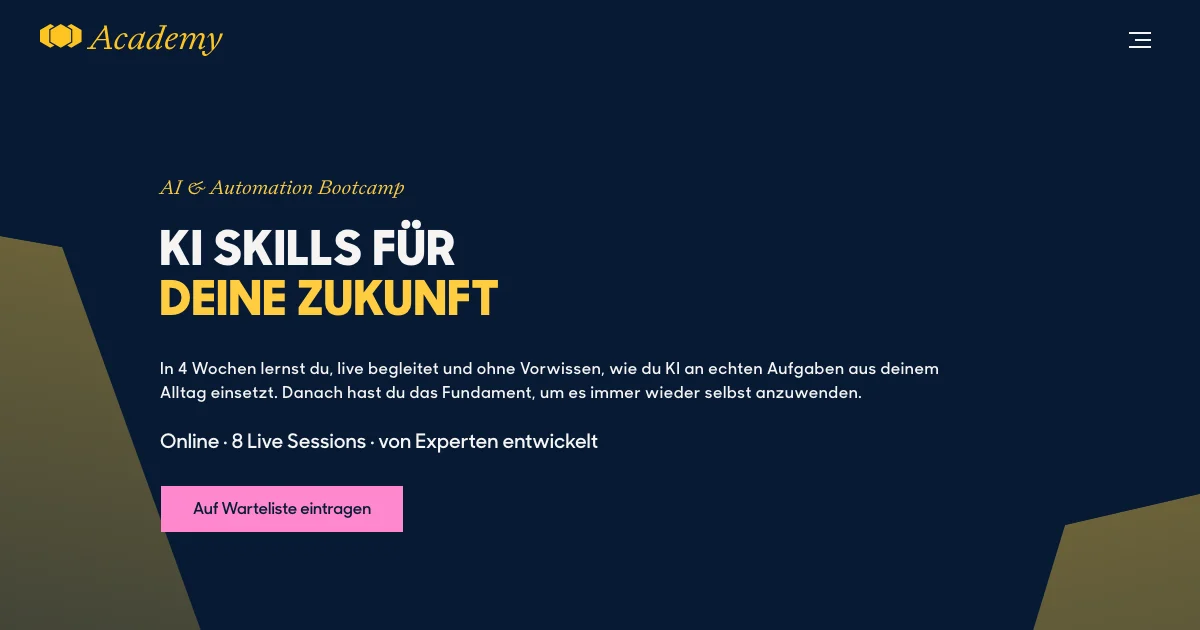
ChefTreff AI and Automation Bootcamp website with its navy and yellow invitation to learn practical AI skills.

What it is about

  • Microsoft 365 Copilot
  • Microsoft Copilot Studio product icon Copilot Studio
  • Microsoft Power Platform product icon Power Platform

Over four weeks in the bootcamp you built workflows and agents with Langdock, Make and Airtable. Many companies, however, work with Microsoft. Much of what you learned is available there too.

  • Understand: how the Microsoft world is built: Azure, Microsoft 365, Power Platform, Copilot.
  • Translate: Make becomes Power Automate, the Langdock agent becomes Copilot Studio, Airtable becomes SharePoint lists, MCP stays MCP.
  • Build: together, live: an agent with knowledge, tools and a flow.

Copilot Studio

Copilot Studio is Microsoft's tool for building AI agents. You give an agent instructions, knowledge, tools and flows, and publish it where your colleagues work. In the session we build one together. The video below is a short introduction by Microsoft. It loads when you press its button.

Copilot Studio: build an agent

This video comes from an outside provider. It loads only when you press the button.

Preparation (10 to 15 minutes)

  1. Have a Microsoft account ready: a work, school or student account. A private Outlook or Hotmail account is not enough.
  2. Open Copilot Studio (Opens in a new tab) and check that the page loads.
  3. Open Power Automate (Opens in a new tab) and check that the page loads.
  4. Open Copilot Chat (Opens in a new tab).
  5. Equipment: laptop, Edge or Chrome, ideally two screens.
  6. Bring an idea: what would you like to automate or build as an agent?

No suitable account? You can follow the live demo and rebuild later with the materials.

About me

Photo of Harllens George de la Cruz

I am Harllens George de la Cruz, a software architect with 15 years of experience. Today I mainly build solutions with the Microsoft Power Platform and Copilot Studio: agents, automations and apps for companies. With The Boring Cat I build our own software and products.

This session is not offered, endorsed or sponsored by Microsoft. The product names mentioned are trademarks of their respective owners.
Agenda

What we will talk about.

  1. 01

    10:00 Welcome and getting to know each other

    Who I am and what I do. Short round of introductions, about one minute each: who you are, what you built in the bootcamp, what you want to take away today.

  2. 02

    10:20 The bridge: from Langdock and Make to Microsoft

    What you already know (LLMs, prompts, flows, APIs, webhooks, agents, MCP) and what it is called at Microsoft. How the Microsoft world is built: Azure, Microsoft 365, your account and your tenant.

  3. 03

    10:45 The Power Platform, with a live tour and an account check

    Power Apps, Power Automate, Power BI and Fabric, Power Pages, Copilot Studio, Dataverse and more than 1,000 connectors. Live tour through the portals and a joint account check.

  4. 04

    11:05 Break

    15 minutes

  5. 05

    11:20 AI at Microsoft: Copilot and Copilot Studio, live demo part 1

    Copilot for everyone or Copilot Studio for building: what is the difference? The agent family at Microsoft. Your Langdock agent and a Copilot Studio agent side by side: instructions, knowledge, tools, MCP, memory, sub-agents. We build one agent together.

  6. 06

    12:05 Break

    15 minutes

  7. 07

    12:20 Connecting everything: flows, lists, connectors, live demo part 2

    From Make to Power Automate, from Airtable to SharePoint lists, webhooks and APIs. The agent gets a flow as a tool and writes to a list. Best practices for companies. Workflow or agent: when do I use which?

  8. 08

    12:45 Closing round, materials and questions

    What you take with you and where you would use it. All materials, how to continue, how to reach me. Questions and answers.

Materials

Resources

Account checklist, participant agenda and official links in a public repository. Slides and reviewed demo files can follow after the session.

Open the account checklist (German)

Open the resources

A question, or the resources?

Ask before the talk and we will try to answer it on stage. After the talk, use the same form to get the slides and the code.

I would like to

We use your email only to answer you and send what you asked for. Privacy

Comments

Loading comments.

    Write a comment

    Your choices

    Privacy controls

    This site sets no optional cookies, so there is nothing to accept or reject. Here is what happens and what you can change.

    Read the cookie policy
    Theme preference
    If you choose light or dark mode, this site saves that choice in your browser. Clear it below to follow your system setting again.
    External videos and posts
    Off by default. A provider loads only when you press its button, for that page view. Reload the page to close it.
    Form spam check
    Cloudflare Turnstile loads only when you send a form. It may complete without showing a challenge.
    Visit statistics
    Cloudflare Web Analytics counts visits without setting cookies or storing a choice on your device.